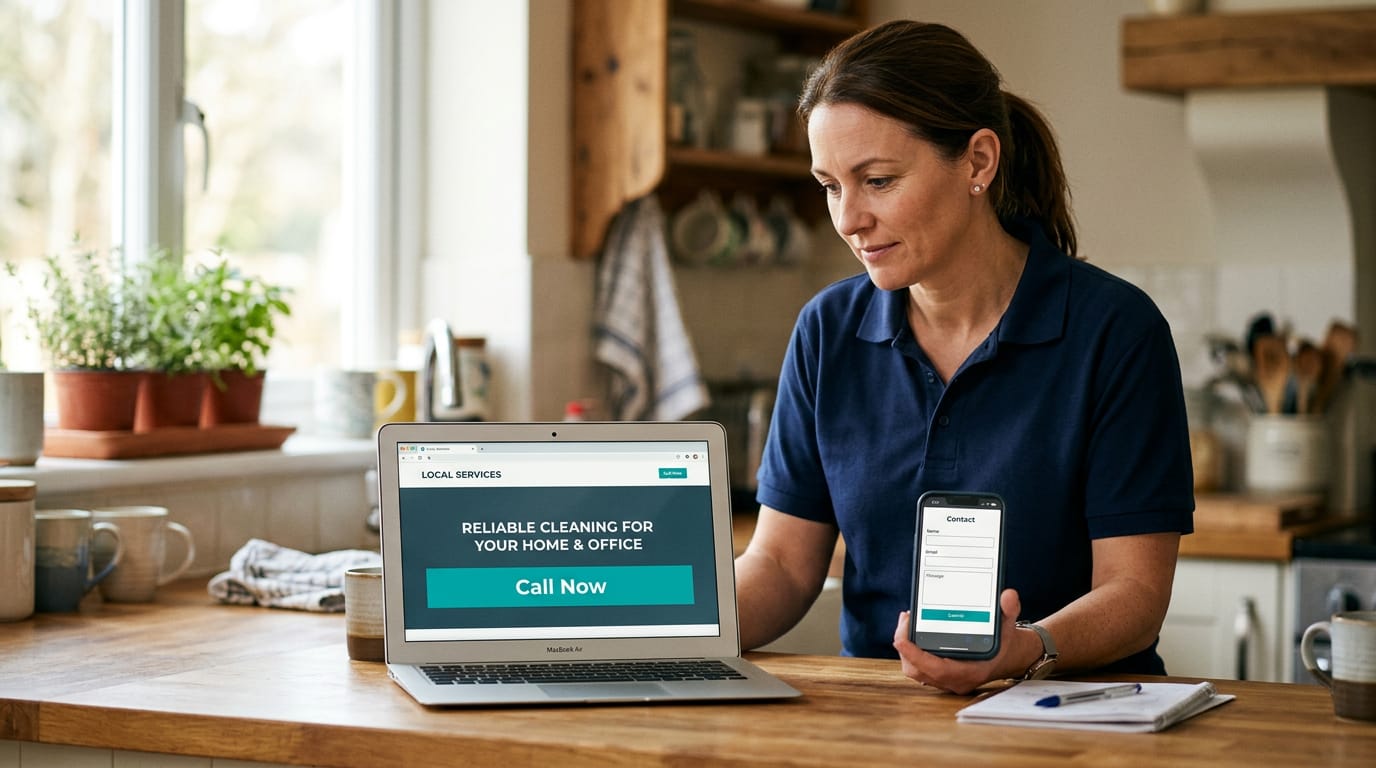
Most small business websites do not fail because they look terrible. They fail because they make potential customers work too hard.
A visitor lands on the site and cannot quickly answer:
- What do you do?
- Do you serve my area?
- Can I trust you?
- How much might it cost?
- How do I contact you now?
So they leave. Then they call a competitor.
That is the real problem web design for small businesses needs to solve. Not awards. Not complicated animations. Not vanity traffic. The goal is simple: more calls, quote requests and booked jobs.
Whether you run a plumbing company in Manchester, an electrician business in Birmingham, a law firm in Texas or a cleaning company in New York, these are the five pages that should do most of the selling.
1. Homepage: Make the right promise immediately
Conversion priority:★★★★★Your homepage is not an online brochure. It is the front desk of your business.
Visitors should understand what you do, where you work and what to do next within a few seconds.
What it must do
- State your main service clearly.
- Mention your main service area.
- Show why customers should choose you.
- Make calling or requesting a quote easy.
- Direct visitors to the right service page.
What to put on it
- A direct headline, such as “Emergency Plumber in Leeds”.
- A short explanation of the problems you solve.
- A visible “Call Now” or “Request a Quote” button.
- Your phone number near the top of the page.
- Your main services, each linked to its own page.
- Review ratings, accreditations or customer results.
- A short explanation of your process.
- Service areas and opening hours.
- Clear calls to action throughout the page.
Your homepage should work especially well on mobile. Local customers often search while standing in a kitchen with a leak, sitting in a car or trying to arrange a same-day repair.
Good homepage
- “Boiler Repairs Across Sheffield”
- “Call today for a same-day appointment”
- A click-to-call button
- Three clear service options
- Customer reviews near the first screen
Common mistake
Using vague headlines such as:
“Quality You Can Trust”
That sounds pleasant. It does not tell anyone what you do or where you do it.
Fix your homepage first if visitors are arriving but not calling. A clearer headline and stronger call to action can turn existing traffic into more enquiries. See how JetAds approaches conversion-focused website redesigns.
2. Main service page: Sell the job, not just the service
Conversion priority:★★★★★A services page that simply lists “plumbing, heating and bathrooms” is not enough.
Your main service page should help someone decide whether you are the right business for their specific problem. This is where custom website design for small business earns its keep. Each important service should have enough detail to attract the right searcher and give them a reason to contact you.
What it must do
- Match a specific customer need.
- Explain what is included.
- Remove common doubts.
- Set expectations around price, timing or process.
- Lead directly to a call or quote request.
What to put on it
- A clear service name.
- The problem you solve.
- Who the service is for.
- What the work includes.
- Your service process.
- Relevant photos or examples.
- Pricing guidance, where practical.
- Frequently asked questions.
- A service-specific call to action.
For example, an electrician's page for consumer unit upgrades should explain warning signs, what the work involves, likely timescales and how to arrange an assessment.
Do not force every visitor through a generic contact page. Add a button such as “Get a quote for this service”, “Book an inspection” or “Call about your electrical issue”.
Good service page
- Speaks about the customer’s problem.
- Explains the next step.
- Includes proof from similar jobs.
- Answers questions before the customer asks them.
- Uses a relevant CTA.
Common mistake
Writing a technical wall of text that describes your equipment, qualifications and process without explaining the outcome.
Customers want to know whether you can solve their problem, how quickly you can help and what they should do next.
Turn your most profitable service into a proper sales page. This is often the fastest way to improve the quality of your quote requests.
3. Location or city page: Prove you serve the customer’s area
Conversion priority:★★★★★A location page is not a page with a town name copied and pasted into the same paragraph 20 times. That approach creates thin, unhelpful pages. It does little for customers and can weaken your local search visibility.
A useful location page is part of effective local business website design. It connects your service to a specific area and makes the visitor feel you are genuinely available to help them.
What it must do
- Confirm that you serve the area.
- Explain which services you provide there.
- Show local experience or relevant jobs.
- Make contacting you simple.
- Support your wider local SEO work.
What to put on it
- The city, town or borough in the page heading.
- Services available in that area.
- Typical problems local customers contact you about.
- Nearby neighbourhoods or surrounding areas.
- Relevant project examples or testimonials.
- Travel, appointment or response information.
- A localised call to action.
A plumber serving Manchester might create a genuine Manchester page covering emergency call-outs, boiler repairs and central heating work across nearby areas. A US HVAC company might create separate pages for Dallas, Fort Worth and Arlington, provided each page has useful, original information.
Good location page
- Gives area-specific information.
- Mentions real services available locally.
- Includes local proof.
- Helps visitors understand coverage.
- Links to the relevant service pages.
Common mistake
Creating dozens of almost identical pages that only change the town name.
That may produce more URLs. It does not necessarily produce more calls.
Start with the towns that generate the most valuable work. A few strong pages are better than dozens of empty ones. If you want to see how we handle this, our guide to ranking a trades business on Google Maps covers the local SEO side.
4. Reviews-and-proof page: Give people a reason to trust you
Conversion priority:★★★★★Customers are taking a risk when they hire you. They want to know that you arrive when promised, do the work properly and charge fairly. Your reviews-and-proof page should reduce that risk.
The US Small Business Administration includes testimonials among the essential pages for a small business website, and for good reason: customer evidence usually carries more weight than claims made by the business itself.
What it must do
- Show that you have done similar work.
- Make your results believable.
- Help customers compare you with competitors.
- Support the final decision to call.
What to put on it
- Named customer testimonials, where permission is given.
- Google review ratings.
- Before-and-after photos.
- Short case studies.
- Accreditations and memberships.
- Guarantees or service promises.
- Specific outcomes.
Specific is stronger than general.
Weak
“Excellent service. Highly recommended.”
Stronger
“The team diagnosed the fault the same afternoon and restored our heating before the weekend.”
Place relevant proof near the service it supports. A bathroom renovation testimonial belongs on the bathroom renovation page, not only on a separate testimonials page.
Good proof
- Identifies the customer or business where possible.
- Describes the original problem.
- Explains what you did.
- Shows the result.
- Sits close to a relevant CTA.
Common mistake
Using anonymous reviews, stock photos and unsupported claims such as “the best in town”.
Proof should feel real because it is real.
Add your strongest proof to the pages where customers are deciding whether to contact you. Do not make them hunt for it. We publish our own through the testimonials and case studies pages.
5. Quote/contact page: Remove every reason to delay
Conversion priority:★★★★★Your quote or contact page is where interest becomes a lead. It should not feel like an obstacle course.
What it must do
- Call you.
- Send a short enquiry.
- Request a quote.
- Book an appointment.
- Understand when you will respond.
What to put on it
- Your phone number at the top.
- A short form with only useful fields.
- A clear explanation of what happens after submission.
- Service areas.
- Opening hours.
- Expected response time.
- Address or map, if customers visit you.
- Alternative contact options.
Ask for the information you need to qualify the enquiry, but do not ask for a customer's life story. Useful form fields are name, phone number, email address, service required, area or postcode, and a short description of the job.
The main button should say what happens next: “Request My Quote”, “Book an Appointment”, “Send Enquiry” or “Call for Same-Day Help”.
Good quote page
- Short form.
- Click-to-call button.
- Clear response time.
- No unnecessary account creation.
- Confirmation message after submission.
Common mistake
Hiding the phone number, using “Submit” as the only button label or asking for 15 pieces of information before anyone can make contact.
Make the next action obvious and low risk. A customer who has already decided to contact you should not have to search for the form.
6. Typical cost of custom small business website design
The price depends on the number of pages, copywriting, photography, booking tools, integrations and how much local SEO is included. These are broad market ranges, not fixed quotes.
UK cost bands
- Basic brochure website
- £500–£1,500
- Conversion-focused website
- £1,500–£4,000
- More advanced website
- £3,000–£8,000+
- Hosting, support and updates
- £50–£200 / month
USA cost bands
- Basic brochure website
- $750–$2,000
- Conversion-focused website
- $2,000–$6,000
- More advanced website
- $5,000–$15,000+
- Hosting, support and updates
- $75–$250 / month
JetAds takes a different approach: no upfront build fee at all. Our standard plan is £99 per month in the UK ($129 per month in the USA) and covers the website itself, including all five pages above, mobile-first design, contact form and click-to-call, plus hosting, your domain and ongoing local SEO. There is no lock-in contract. If you already have a site that needs bringing up to standard, the same plan covers a redesign. Most sites are delivered within 30 days, depending on how quickly the business information and approvals come back.
The right question is not “What is the cheapest website?” It is:
How many additional jobs would this website need to generate to pay for itself?
For a fuller breakdown of what each price point buys, see how much a website costs for a UK tradesperson.
7. Verdict: What should you fix first?
If you can only fix one thing, fix the homepage call to action and message. Make these three points obvious:
- What you do.
- Where you work.
- How the visitor contacts you.
Then build out your main service page and strongest location page. That order gives you the best chance of turning existing visitors into calls and quote requests. After that, add reviews, case studies and more service-area pages to increase trust and local visibility.
You do not need 30 pages to start generating work. You need the right five pages, built around the jobs you want, the areas you serve and the actions customers need to take.
Want to know which of your five pages is costing you enquiries?
Get a free website audit. We will show you what to fix first. No lock-in contract, no technical work for you to manage.