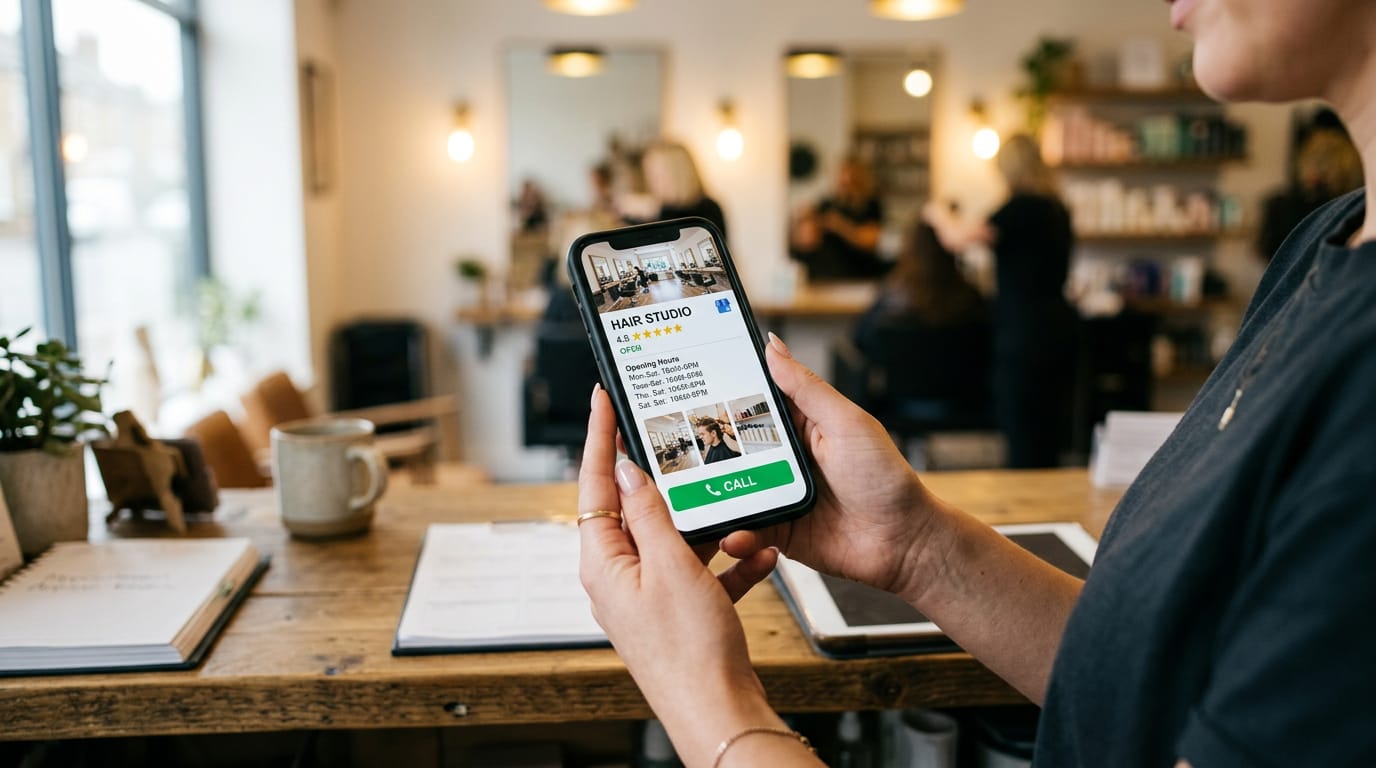
If you run a plumbing business, salon, restaurant, clinic, electrical company or another local service business, your Google Business Profile is no longer just a listing.
It is your online shop window, trust signal and first sales conversation.
In 2026, more people are asking Google, Gemini, ChatGPT and Siri questions such as:
- “Who is the best electrician near me?”
- “Find a reliable plumber open today.”
- “Which salon has good reviews and appointments available?”
- “What local clinic offers this treatment?”
AI search does not simply look at your website and pick a business.
It looks for complete, consistent and trustworthy information. Your Google Business Profile is often the clearest source available.
That makes Google Business Profile optimisation one of the highest-return local marketing activities you can do.
Important: No one outside Google can guarantee exactly how AI selects recommendations. But one thing is clear: incomplete, inaccurate and poorly managed profiles create less confidence than active, detailed and well-reviewed ones.
Why your Google Business Profile is now your #1 local SEO asset
Your website still matters. It proves your expertise, explains your services and converts visitors.
But your Google Business Profile often appears before anyone visits your website.
It can show:
- Your business name and location
- Phone number and opening hours
- Services and categories
- Customer reviews
- Photos and videos
- Questions and answers
- Booking, messaging and directions options
That information can influence whether someone calls you, visits your premises or chooses a competitor.
Google says local results are mainly influenced by relevance, distance and prominence. Complete business information helps Google understand relevance. Reviews and online mentions help demonstrate prominence.
AI systems need the same basic thing: reliable information they can use to answer a customer quickly.
For a local business, this means your profile must clearly answer:
- What do you do?
- Where do you operate?
- When are you available?
- Why should someone trust you?
- How can they contact you now?
If your profile cannot answer those questions, AI has less reason to recommend you.
Google's official local ranking guidance confirms that complete, accurate information, reviews and photos all support stronger local visibility.
The 7-step Google Business Profile optimisation checklist
1. Complete every relevant field
A half-finished profile looks neglected. It also gives Google and AI fewer facts to work with.
Complete every relevant section, including:
- Correct business name
- Physical address or service area
- Local phone number
- Website
- Regular opening hours
- Holiday and special hours
- Primary category
- Secondary categories
- Services
- Business description
- Attributes
- Booking or appointment links
- Messaging
- Products or menus, where relevant
- Real photos and videos
Do not add keywords to your business name unless they are part of your real-world trading name. That can trigger problems or even suspension.
For example, use “Smith Electrical Services” if that is your actual name. Do not change it to “Best Emergency Electrician London - Smith Electrical Services.”
Google's Business Profile guidelines require your listing to accurately represent your real business.
ROI impact: More complete information means fewer unanswered questions. That can turn more searches into calls, bookings and visits.
Action
Open your profile today and look for blank fields. Fill in every relevant one with clear, customer-friendly information.
2. Keep your NAP details consistent everywhere
NAP means:
- Name
- Address
- Phone number
These details should match across your:
- Google Business Profile
- Website
- Facebook page
- Bing Places listing
- Local directories
- Trade association profiles
- Review platforms
- Business documents and citations
Small differences can create doubt. For example:
- “21 High Street” versus “21 High St”
- An old phone number on a directory
- A different trading name on Facebook
- A service area listed as Manchester on one site and Liverpool on another
For service-area businesses, do not list a virtual office or an address where you do not operate. Set your service areas accurately and hide your home address where appropriate.
ROI impact: Consistent details make it easier for search systems and customers to verify that all listings belong to the same business.
Action
Search your business name and phone number in Google. Create a list of every incorrect listing, then update it.
3. Add LocalBusiness schema to your website
Your Google Business Profile and website should support each other.
Add LocalBusiness schema to the relevant page of your website. This is a behind-the-scenes piece of code that helps search engines understand your business details.
It can reinforce information such as:
- Business name
- Address
- Phone number
- Opening hours
- Service area
- Website
- Services
- Reviews
- Business type
For a plumber, that may be Plumber. For a salon, it may be HairSalon. For a clinic, a more specific recognised business type may be suitable.
Do not use schema to claim information that is not visible or accurate. It should match your Google profile and the real business.
ROI impact: Clearer business information helps connect your website with your profile. That gives search systems stronger evidence about what you do and where you operate.
Action
Ask whoever manages your website to check your LocalBusiness schema. If you need a faster, clearer website to support your profile, see our website redesign service.
4. Build a steady flow of 2-5 reviews per week
A profile with 300 reviews from five years ago may look less active than one receiving genuine reviews every week.
Aim for 2-5 new reviews per week, depending on your customer volume and local competition.
The goal is not to manipulate reviews. It is to create a simple process:
- Finish the job or appointment.
- Ask the customer for honest feedback.
- Send a direct review link by text or email.
- Thank them, whether the review is positive or negative.
- Never offer rewards for positive reviews or write reviews yourself.
Ask customers to describe the service they received naturally. Do not give them a script packed with keywords. Useful detail might include:
- The service completed
- The area served
- What problem was solved
- How quickly you responded
- What the customer valued
ROI impact: Recent, genuine reviews provide proof when someone is deciding whether to call you. They also give AI systems real customer language to understand your strengths.
Action
Create one review request message and send it after every completed job.
5. Respond to every review, especially negative ones
Ignoring reviews is a missed sales opportunity.
Respond to positive reviews with something specific. Avoid copying and pasting the same sentence every time. For example:
“Thanks for choosing us to repair your boiler in Leeds. We're pleased we could get the heating working again before the weekend.”
A negative review needs a calm, professional response.
Do not argue. Do not reveal private customer details. Do not blame the customer publicly.
A stronger response:
- Acknowledges the concern
- Apologises for the poor experience where appropriate
- Explains that you want to investigate
- Moves the conversation offline
- Provides a direct contact route
AI search may use reviews and business responses to understand customer experience. Your replies can show that you are active, accountable and helpful.
ROI impact: A professional response can reassure the next customer reading it. That may save a lead that would otherwise go to a competitor.
Action
Respond to your newest reviews this week. Start with any negative or unanswered ones.
6. Rewrite your Q&A section in plain customer language
Your Google Business Profile Q&A section should not be an afterthought.
Write questions your customers actually ask, such as:
- Do you offer emergency call-outs?
- Which areas do you cover?
- Do you provide free estimates?
- Are you open on Sundays?
- Do you work with landlords?
- Can I book online?
- Do you offer home visits?
- What payment methods do you accept?
Keep answers short and direct.
AI Overviews and other search experiences can quote business information word-for-word. That means every answer should be accurate, useful and written as if a customer will read it aloud.
Do not stuff keywords into every sentence. Say:
“We provide emergency plumbing repairs across Birmingham, including burst pipes, leaks and blocked drains.”
That is better than:
“Best emergency Birmingham plumber plumbing services Birmingham.”
Review your Q&A section whenever your services, hours or policies change.
ROI impact: Clear answers reduce hesitation. They can also help customers decide to call without visiting several other websites.
Action
List the five questions your team answers most often by phone. Add clear answers to your profile and website FAQ.
7. Track calls, direction requests and AI visibility, not just clicks
Clicks are not the final goal.
A customer may see your profile, call directly and never visit your website. Another may ask for directions and visit your premises later.
Track outcomes that relate to revenue:
- Phone calls from your profile
- Website enquiries
- Booking requests
- Message conversations
- Direction requests
- Appointment completions
- Leads mentioning Google, Gemini or ChatGPT
- Searches where your business is recommended by AI
You can use Google Business Profile performance data, call tracking and simple lead source questions. Ask new customers:
“How did you find us?”
Record the answer in your CRM, spreadsheet or booking system.
For AI visibility, test realistic questions monthly:
- “Who is a reliable roofer in Bristol?”
- “Find a family dentist near Austin.”
- “Which electrician in Leeds offers emergency call-outs?”
Record which businesses appear and what information is mentioned.
ROI impact: You can see whether your work is producing calls and customers, not just impressions.
Action
Create a basic monthly report covering calls, direction requests, enquiries and booked jobs.
Quick effort-versus-impact comparison
| Optimisation task | Effort | Likely impact on leads |
|---|---|---|
| Correct phone number and opening hours | Low | |
| Complete services and categories | Low | |
| Add real photos | Low | |
| Request 2-5 reviews per week | Medium | |
| Respond to reviews | Low | |
| Rewrite Q&A answers | Medium | |
| Add LocalBusiness schema | Medium | |
| Track calls and enquiries | Medium |
Start with the low-effort, high-impact tasks. They can produce improvements faster than a complete website rebuild.
Typical cost of Google Business Profile optimisation
DIY: £0 / $0
You can manage the basics yourself if you have the time.
Best for:
- A single-location business
- Someone comfortable updating listings
- Businesses with few competitors
- Owners who can request and respond to reviews weekly
Downside: The work is easy to postpone. Inconsistent updates and unanswered reviews reduce the value.
Agency support: typically £100-£400 per month
Professional management usually includes:
- Profile audit and corrections
- Category and service optimisation
- Review monitoring and responses
- Q&A updates
- Google Posts
- Photo guidance or uploads
- Competitor checks
- Monthly reporting
JetAds' standard plan is £99 per month ($129 in the USA) and includes your website, hosting and ongoing local SEO, with Google Business Profile work as part of it. If you only want the profile handled, we also offer standalone Google Business Profile setup from £199 / $249, with monthly management from £99 / $129, at the time of writing.
Best for:
- Busy tradespeople
- Multi-location businesses
- Competitive local markets
- Businesses that need consistent review and profile management
Not ideal for: Anyone promising guaranteed rankings or instant results. Google does not sell local rankings, and no agency can control every search result.
Verdict: your profile deserves more attention than your homepage
Your website is important. But in 2026, your Google Business Profile may be the first thing a customer, Google or an AI assistant uses to judge your business.
The winning approach is simple:
- Complete every field.
- Keep your name, address and phone number consistent.
- Connect the profile to a trustworthy website.
- Collect 2-5 genuine reviews each week.
- Respond to every review.
- Rewrite your Q&A with real customer questions.
- Track calls, directions and revenue.
Do not spend another month guessing whether your profile is costing you leads.
Request a free Google Business Profile audit
We'll identify the gaps, explain what to fix first and show you how a stronger profile can generate more calls and enquiries.